
The cool stuff, and the stuff that just needs to work
Everything below is something I've designed for organizations and then brought home. Each one comes with a plain explanation of what you get, what it's good for, and roughly what it takes.
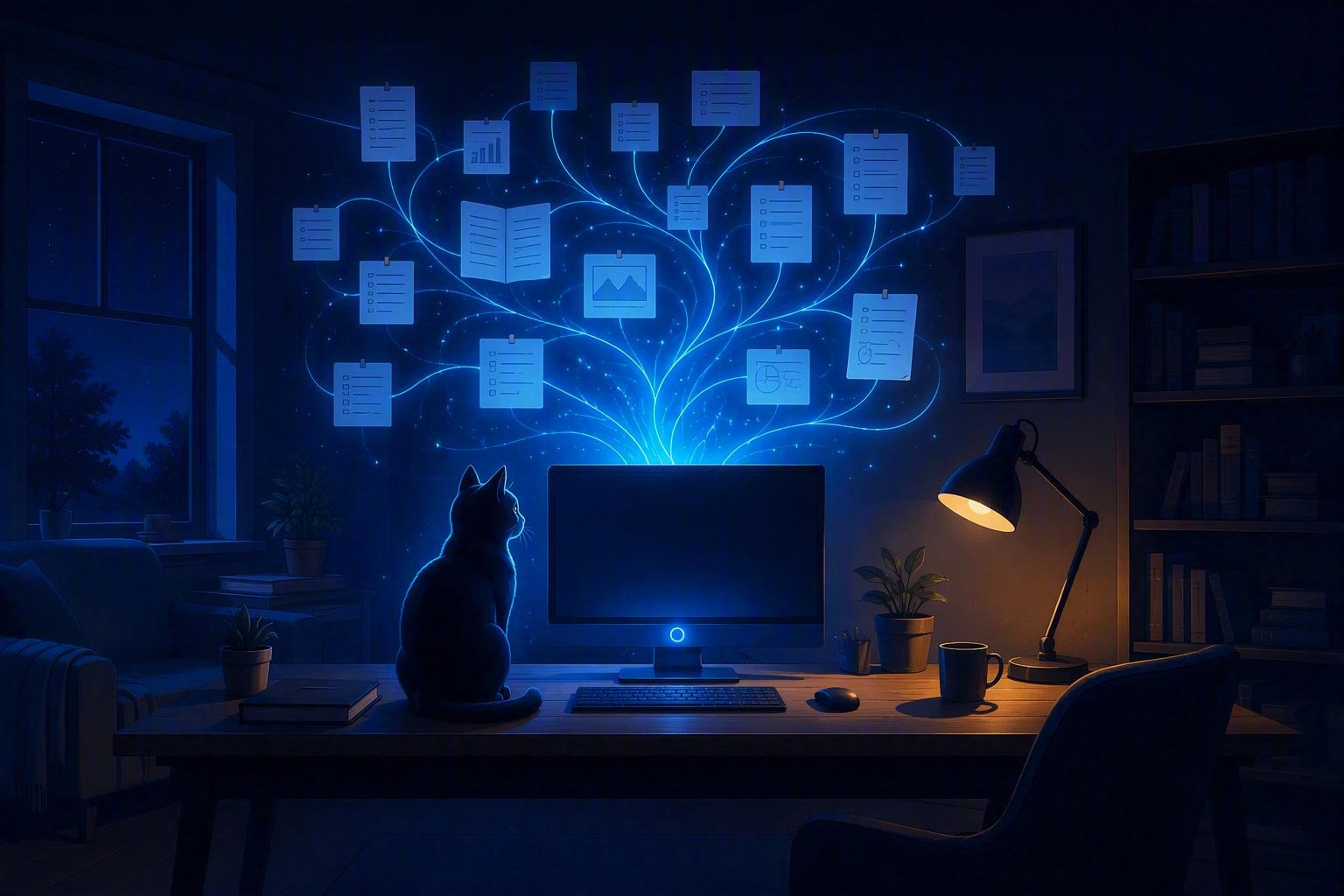
Private AI at home
Everyone's using AI. Almost nobody owns theirs. I set up capable AI models on hardware in your house, so you get an assistant that reads your documents, answers your questions, and never sends a word of it to anyone else.
- A local chat assistant (open-weight models) running on your own PC, no subscription
- An assistant that has read your files: manuals, records, notes, recipes, the family archive
- Automations that actually do things: sort, summarize, draft, file, remind
- Hands-on training in plain English for ChatGPT, Copilot, and friends, if you'd rather start there
- An honest read on what your current hardware can handle before you spend a dollar
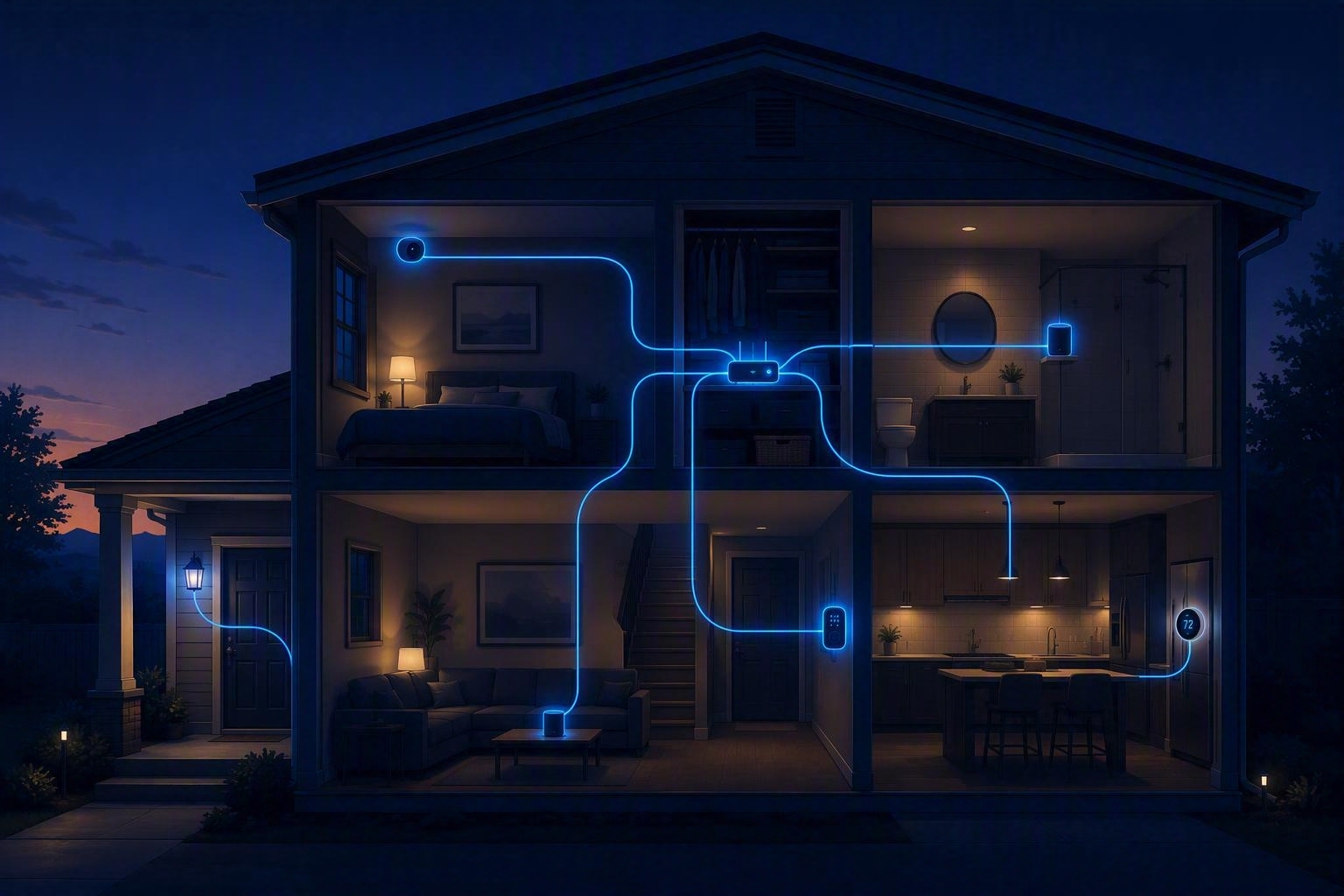
Smart home that behaves
Most smart homes are six apps and a lot of yelling at a speaker. Done right, it's one system: lights that follow the sun, a thermostat that knows you've left, cameras that store footage at home, and a "good night" routine that locks up. And it keeps working when the internet goes down.
- A single hub (Home Assistant or your ecosystem of choice) tying everything together
- Local control wherever possible, so a cloud outage doesn't turn off your porch light
- Cameras and doorbells that record locally instead of to a subscription
- Automations built around what annoys you most, first
- A dashboard you can actually read, and a walkthrough so you can change it yourself

Cut the cord
Four streaming subscriptions cost more than cable did, and half your favorites still aren't on any of them. The alternative is your own streaming service: a Synology NAS, Jellyfin, and a library that organizes itself, playing on every TV, phone, and tablet you own.
- A Synology (or similar) NAS sized for your library, with room to grow
- Jellyfin as the front end: free, open source, no account with anyone, profiles for each family member
- The *arr toolset to keep your library named, sorted, and artwork-complete, set up for content you have the right to
- Clients on Apple TV, Shield, Roku, Fire TV, phones, and tablets
- Enough Wi‑Fi tuning that 4K plays without a stutter (see network, below)
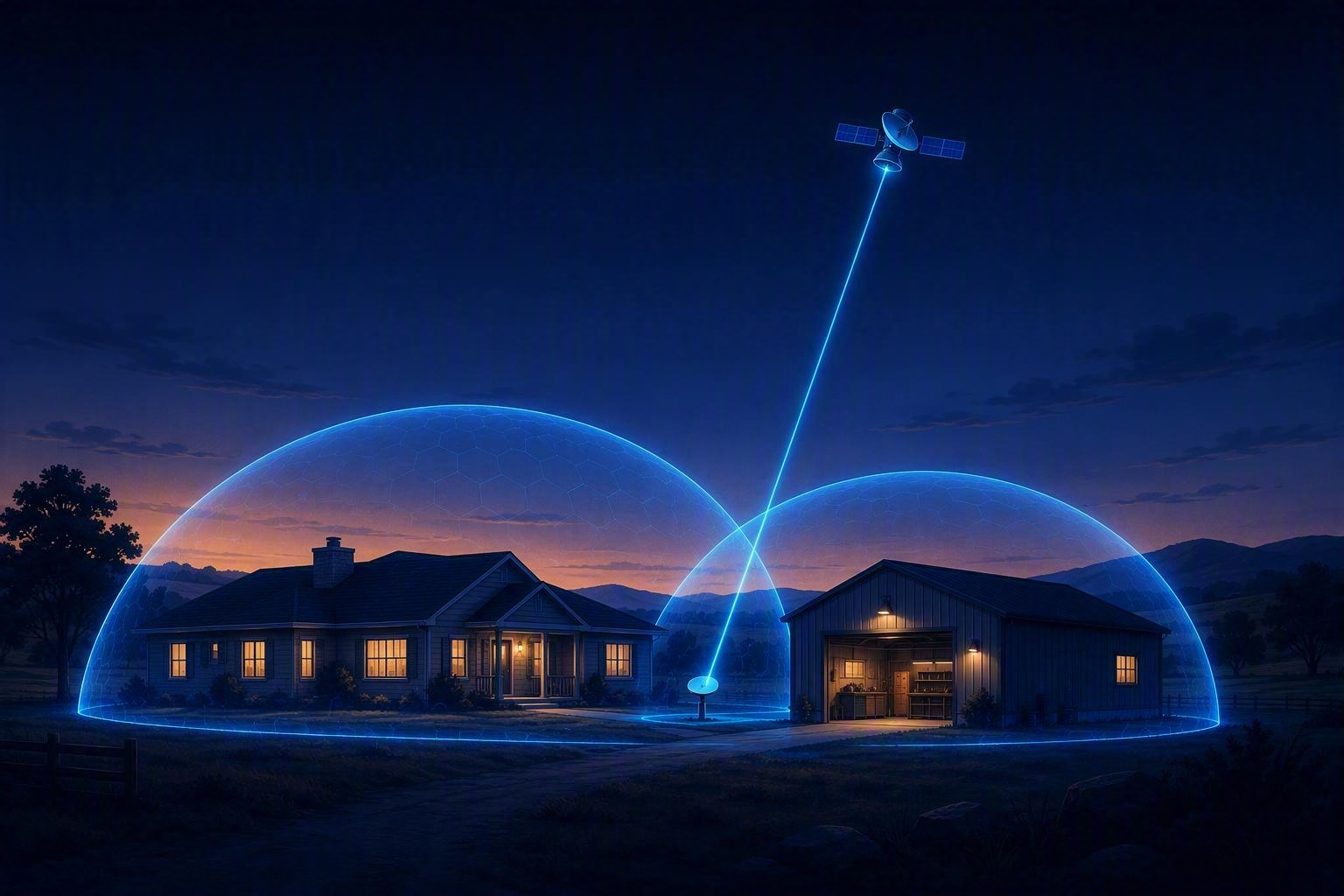
Wi‑Fi and network
The router your ISP handed you is doing its best. Whole-home Wi‑Fi is a design problem, and it's the one I do at work every week. The goal: signal to the far bedroom and the shop, the guests and cameras kept off your main network, and a backup link so an outage doesn't take the house down.
- Access-point placement and channel planning, not just "add another mesh puck"
- A proper router/firewall with separate networks for family, guests, and smart-home gear
- Starlink or cellular failover so the internet stays up when the main line doesn't
- ISP consultation: which plan and provider actually make sense where you live
- Documentation you can hand to the next person, even if that's future you
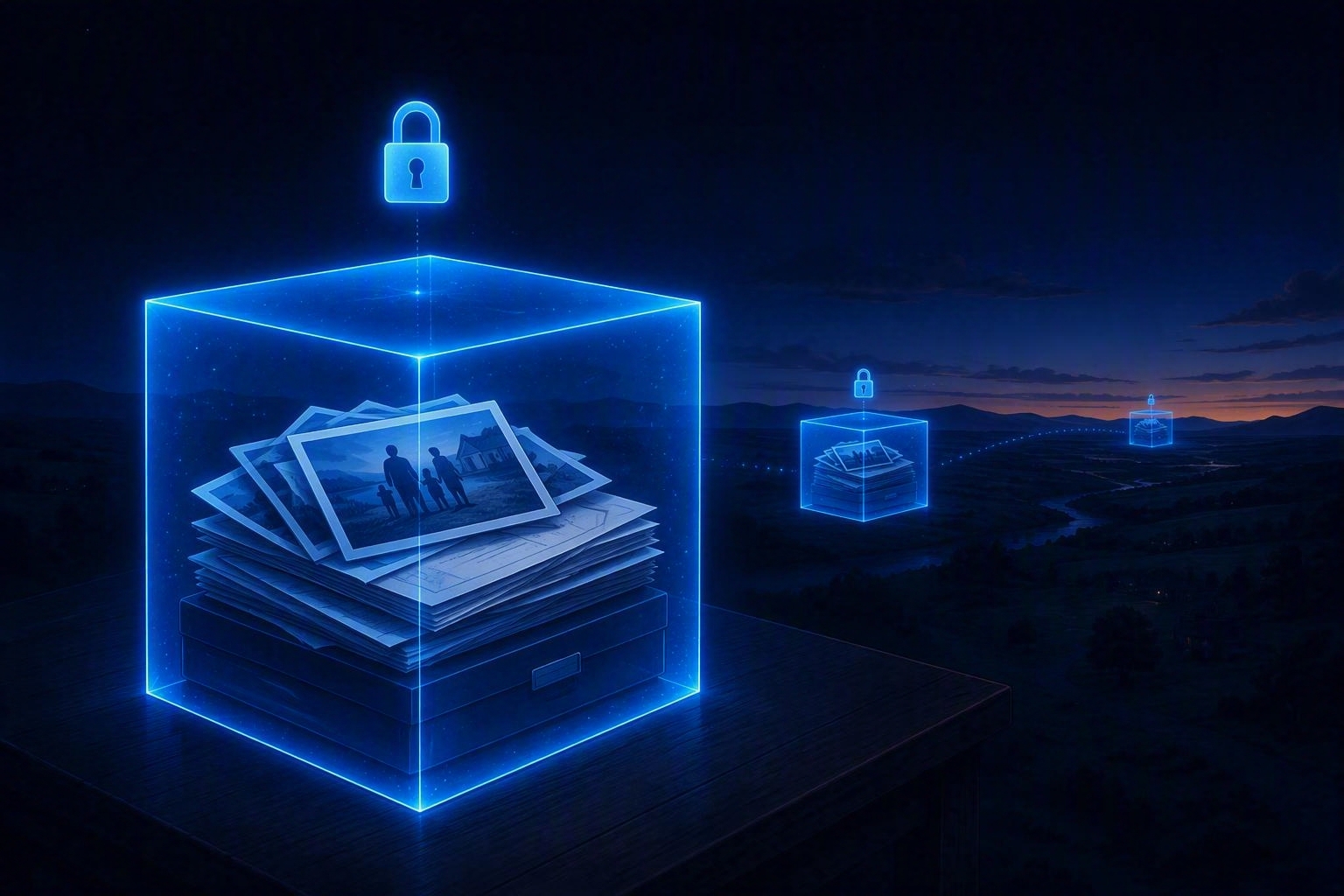
Backups and security
A dead drive or one bad click should be an inconvenience, not the end of twenty years of photos. I set up backups the way businesses do it, three copies, two kinds of media, one off-site, and then test that they restore. Then I make you a harder target.
- Automatic, versioned backups for every computer in the house, with a copy off-site
- A test restore, because a backup you've never restored from is a hope, not a backup
- Data-recovery attempts when it's already too late for that
- Password manager and multi-factor login set up and explained, for the whole household
- Router hardening, scam-proofing, and cleanup after something already went wrong
The everyday fixes
Not everything is a project. Sometimes the computer is slow, the printer is possessed, or email stopped working on the phone. This is the bread and butter, done quickly and explained without making you feel dumb.
- Tune-ups, clean reinstalls, and malware removal
- New computer setup with everything moved over from the old one
- An old, slow laptop turned into a fast, modern Linux machine
- Microsoft 365, Outlook, and OneDrive setup, migration, and cleanup
- Printers, scanners, streaming boxes, and whatever else came in a box this week
Tell me what's going on
A few lines is plenty. I'll reply with a time for a free remote call, and you'll have a real number before anything starts.
Chadfi IT runs alongside my day job, so I work evenings and weekends and I'll be straight with you about when I can get to it.
Book a call